Views
A view is a way of looking at your data. The items don't change, only how you see them. The same set of parts can be a spreadsheet-style table one moment, a kanban board the next, or a display on the shop wall.
The lenses
- Table: rows and columns, for scanning, sorting, and editing.
- Kanban: cards grouped into columns (by status, by location, by whatever you pick), which you drag between.
- Calendar: items placed by a date field, like due dates, arrivals, or events.
- Gallery: a photo-forward grid, for when what things look like matters. A photo-first collection opens on one by default, a wall of covers.
- List: the simple default, one item per row.
- Trend: a value plotted over time, with an optional goal line for the target you're aiming at.
- Gantt: each item a bar from a start date to an end date, for a schedule at a glance.
- Heatmap: a square per day shaded by how much you logged, for anything you keep on a rhythm.
A Heatmap can also score a rhythm you meant to keep. Give it an expected cadence (every day, weekdays, weekly, or your own rule) and the days you were due get outlined, so a gap on an expected day reads as a miss while a rest day doesn't count against you. The legend keeps score of the days you kept and your current streak, and a weekend never breaks a weekday streak.
Any view can also go on a TV or wall: public sharing puts a big, read-only, auto-refreshing version of it on a no-login URL.
What a view controls
Each view is its own saved setup of:
- which fields show as columns (a view can only show fields the data actually has)
- grouping, such as a kanban or table grouped by location, status, or category
- sorting and filtering, to order and narrow what's in view
- the field a lens reads for its job, where the type needs one: the date a calendar places items by, the value a trend plots, the caption under a gallery card
- A collection opens on the view its bundle calls the first thing to see (Groceries on What's on hand, a Bookshelf on its Covers) instead of the table, and remembers the view you last picked on this device, Table included. A link that names a view still wins.
- An empty collection invites your first one. A fresh cover wall or an empty board says "Add your first book" (or item) with the same add door the table has and the scan door beside it. A view whose filter hid everything still says "No matching" and offers everything.
Filtering to more than one value
A view filter takes either one value or a list, and a list means "any of these". That works for any field, not just location.
filter: { location_id: "fridge-id" }                    one place
filter: { location_id: ["fridge-id", "pantry-id"] }     either place
This is what lets a screen show exactly one part of a room: a tablet by the fridge and pantry shows those two and nothing else, and a second one by the spice cabinets shows those.
If a filter is written in a way Cobblr cannot use, the view shows nothing rather than everything. That is deliberate. An empty view is obviously wrong and gets fixed, whereas a view quietly showing your whole kitchen looks like it is working.
Making one, keeping one
Views live on the Views page. New view asks for a name, which records it looks at, and the lens, then the settings that lens actually needs: a group-by and filter for a kanban or table, an image field (and optional caption) for a gallery, a date field, value field and optional goal line for a trend. You are never asked for a date field by a lens that does not place things by date.
Some list pages offer the shortcut in place: filter and group the list the way you want it, then Save view keeps that exact arrangement under a name, without visiting the Views page at all.
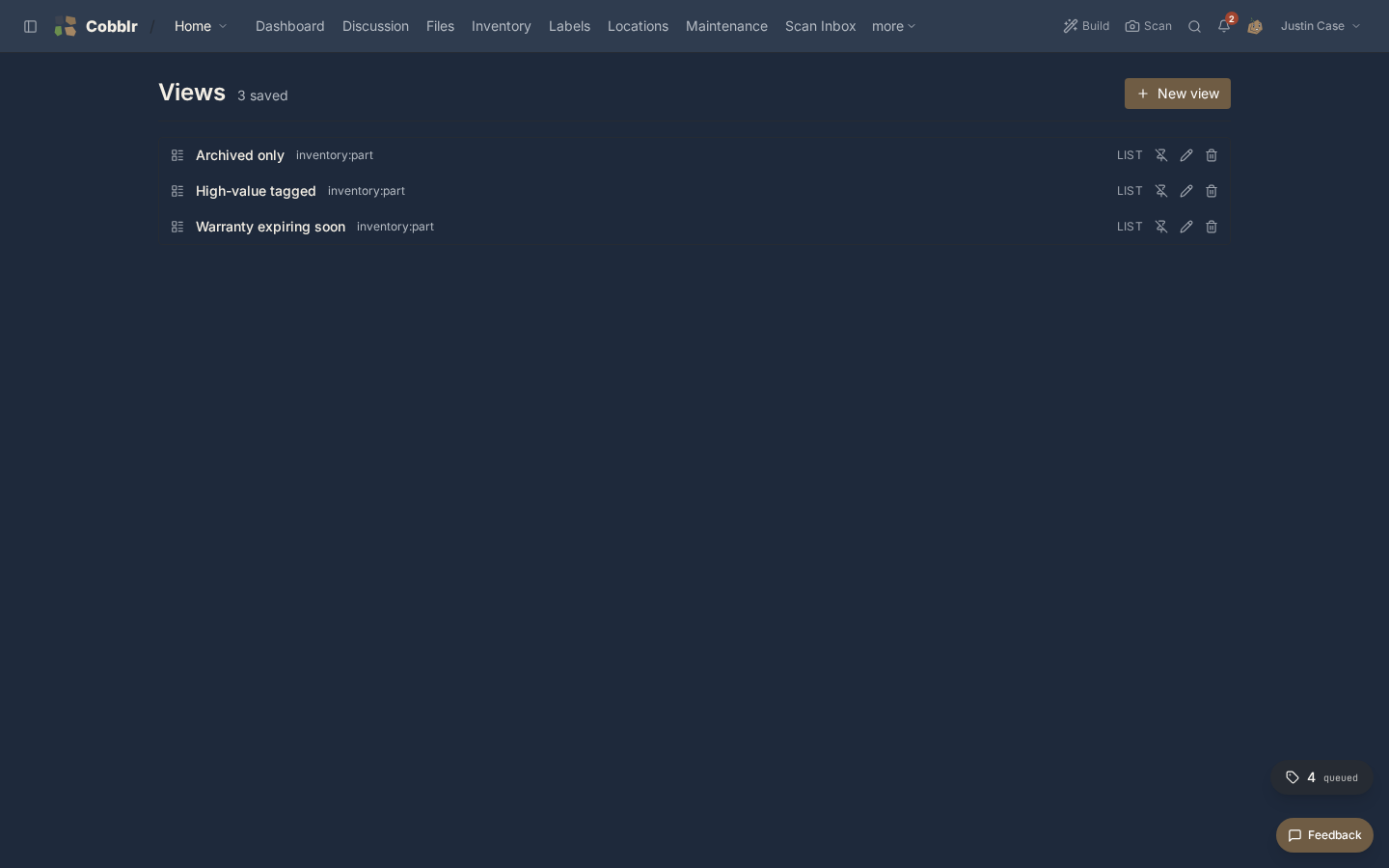
Each saved view's row carries the rest of its life: pin puts it on the dashboard as its own card and unpin takes it off, edit reopens every setting including the name, and delete asks first. A view is shared with the workspace by default, so untick Share with workspace while saving to keep one private to you.
You can also just ask: Cobb builds a view from a sentence ("a board of my open tasks", "a calendar of what is due"), proposes saving it, and pins it if you want.
Many views, one set of data
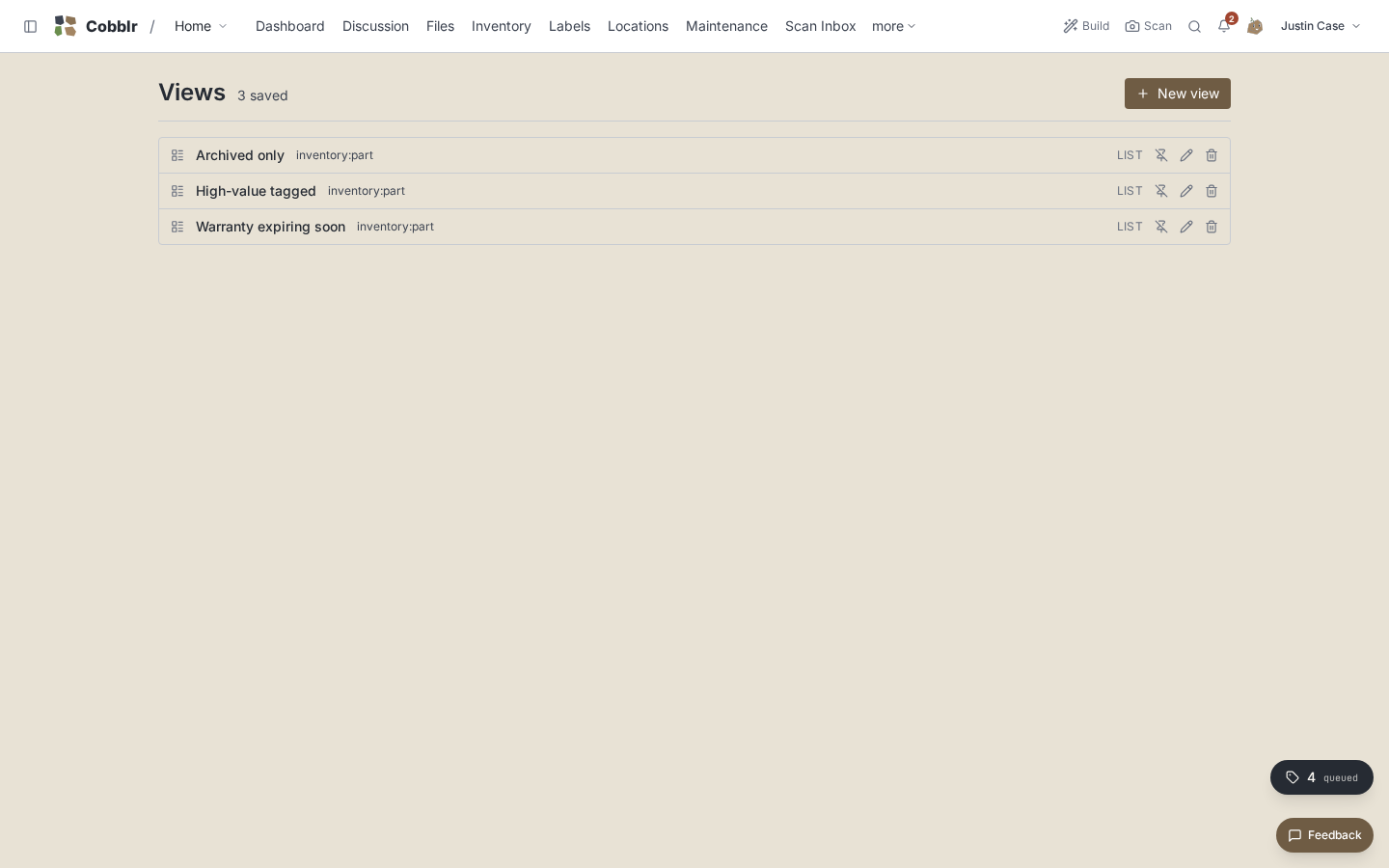
A module isn't limited to one view. You keep as many as you find useful, each tuned for a job: a low-stock filtered table, a this-week calendar, a by-shelf kanban. Switching between them is instant, because they all read the same items. A change in one shows up everywhere.
This falls out of the modular kernel. Because every module speaks the same item-and-field language, every module gets the full set of views without any extra work.