Bundle marketplace
A bundle is a ready-made starting point: a set of modules, fields, and views for a particular kind of thing. The marketplace is where you browse them and install one into a workspace.
- Pick a bundle close to what you're tracking.
- Install it. It turns on the modules it needs, adds the fields that matter, and sets up sensible views.
- Change anything you like afterward.
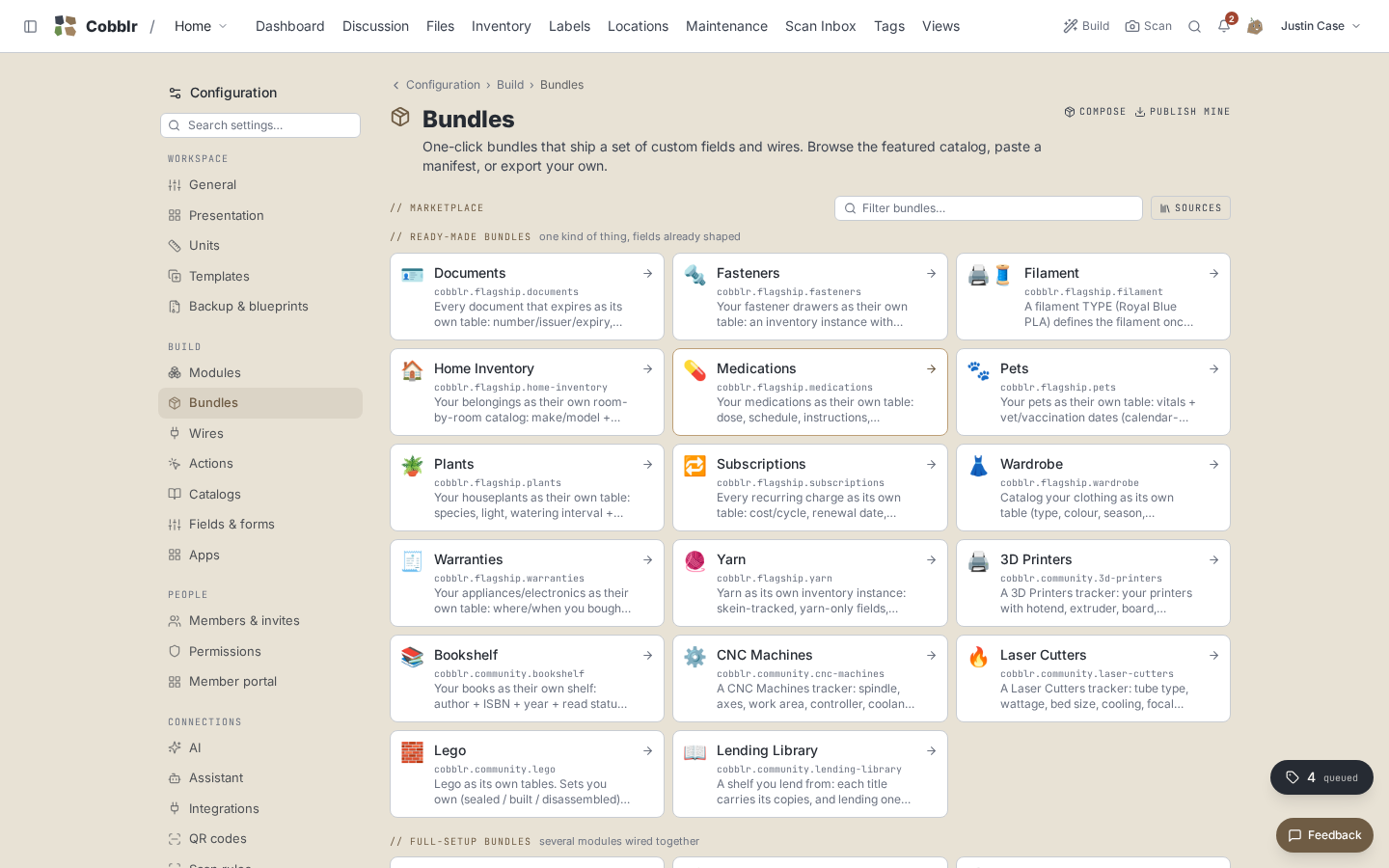
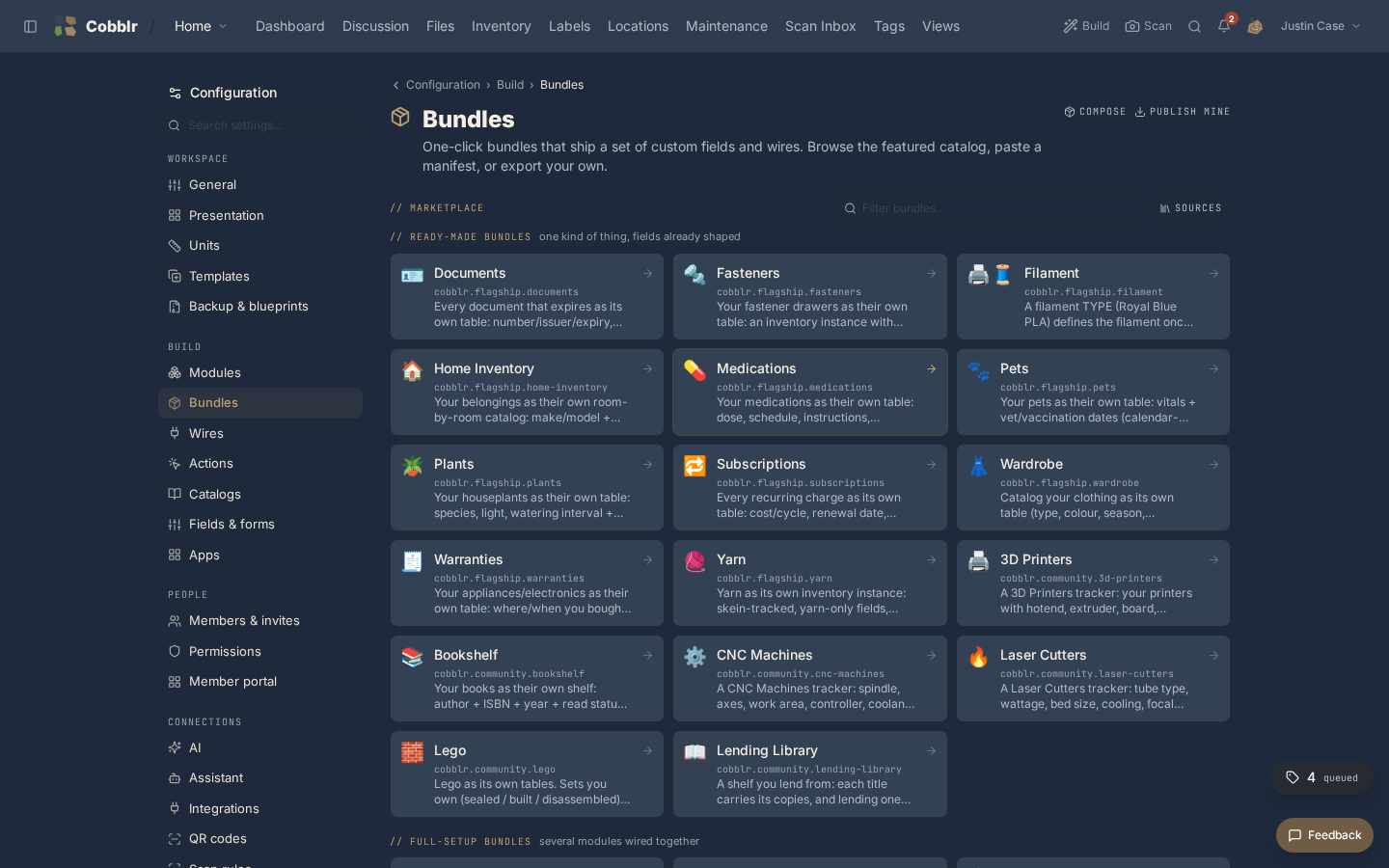
Installing a bundle
Pick a bundle close to what you're tracking and install it. You land in a working setup instead of a blank page.
- The same catalog is what the dashboard's "More ways to start" opens, with the same tiles and the same two groups, so wherever you meet a bundle it looks and installs the same way.
Not a cage
Installing a bundle doesn't lock anything in.
- Enable more modules, add your own fields, toggle features whenever you like.
- A bundle is a head start, and everything it sets up you can change.
Updates, and your changes
Bundles version.
- Conflict-free updates apply in one click.
- Your own customizations survive: a field you relabeled or whose choices you edited stays yours as an override, and updates flow around it.
- On a conflict, Cobblr shows it and you pick per field: keep yours, or take theirs.
- Version history lets you restore an earlier state if an update didn't suit you.